
Legendz Casino Login: Fast Account Access for United States Players
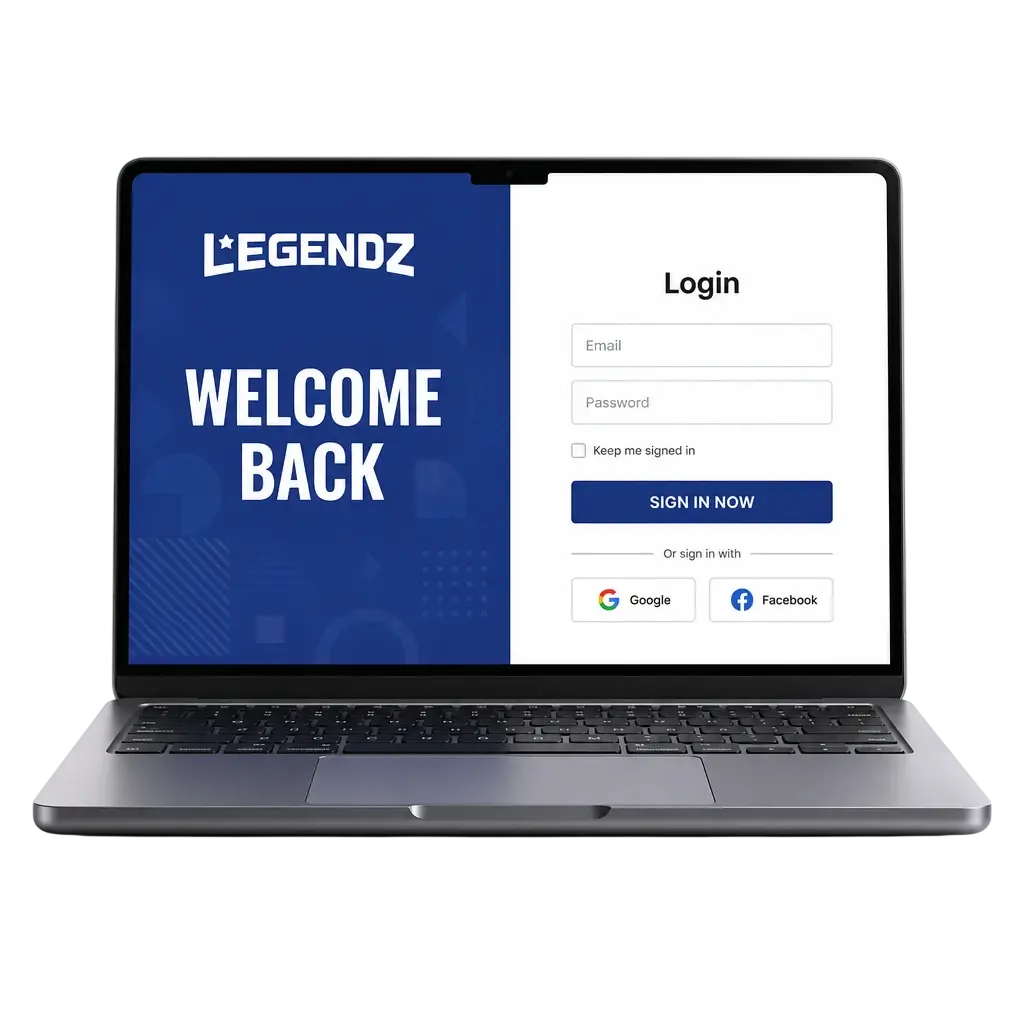
Log in to your Legendz Casino account through the official website or the mobile app. Enter your registered email and password to reach your dashboard in seconds. Once your profile clears verification, you can complete the Legendz Casino sign in anytime to bet on NFL, NBA, and MLB games, spin casino slots, claim bonuses, and manage deposits and withdrawals. 2FA and SSL encryption protect your account and personal information at every login.
Legendz Casino Account Login Options in United States
Legendz Casino gives you three ways to access your profile: website login with email and password, mobile app login, and biometric login via Face ID or Touch ID.
Website Login
Sign in directly through your browser on desktop or mobile without installing anything. This method works on any device with an internet connection.
- Go to the Legendz Casino login page.
- Enter your registered email address and password.
- Click “Log In” to reach your account dashboard.
Mobile App Login
The Legendz Casino app stores your session for quicker access and sends push alerts for new bonuses.
- Open the Legendz Casino app on your device.
- Enter your email and password, or use saved credentials.
- Tap “Log In” to access your account.
Biometric Login (Face ID or Touch ID)
Enable biometric access in your app settings to skip password entry on future logins.
- Open the Legendz Casino app.
- Tap the Face ID or Touch ID icon on the login screen.
- Confirm your identity to enter your account.
Login at Legendz Casino via App
The Legendz Casino app login adds biometric access and push alerts for bonuses, unlike the website version. Complete these steps to access your account from your phone or tablet.
- Tap the button below to download the Legendz Casino app for iOS or Android.
- Open the app and tap “Log In” on the home screen.
- Enter your email address and password, or use Face ID or Touch ID if enabled.
- Enter your 2FA code if prompted.
- Tap “Log In” to reach your dashboard, casino games, and sportsbook.
Possible Legendz Casino Login Problems and Their Solutions
A few technical issues can block your Legendz Casino account login. Use the table below to solve them fast.
| Problem | Solution |
|---|---|
| Incorrect password | Click “Forgot Password” and reset it through the link sent to your email. |
| Account locked after 5 failed attempts | Wait 30 minutes or contact support to restore access right away. |
| Browser cache blocking the login page | Clear your browser cache and cookies, then reload the site. |
| 2FA code not received | Check your spam folder or request a new code after 60 seconds. |
| Outdated app version | Update the Legendz Casino app through the App Store or Google Play. |
Recovering a Forgotten Legendz Casino Password
- Click “Forgot Password” on the login page.
- Enter the email address linked to your account.
- Open the reset link sent to your inbox within 15 minutes.
- Create a new password with at least 8 characters, including one number and one symbol.
- Log in with your new password to access your account.
FAQ
What do you need to log in to your Legendz Casino account?
You need your registered email address and password. If you enabled 2FA, you also need the code sent to your email or phone.
Can you access Legendz Casino from outside the United States?
Access is limited to states where Legendz Casino operates legally. Check the terms and conditions for the current list of supported states.
How long does account verification take after registration?
Verification usually completes within 24 hours after you submit a valid ID and proof of address.
What if you forget your username?
Use the email address linked to your profile to log in. Contact support if you need to confirm your username.
Is your personal information protected during login?
Legendz Casino uses SSL encryption and 2FA to protect your account and personal information on every login.